 Image 1 of 3
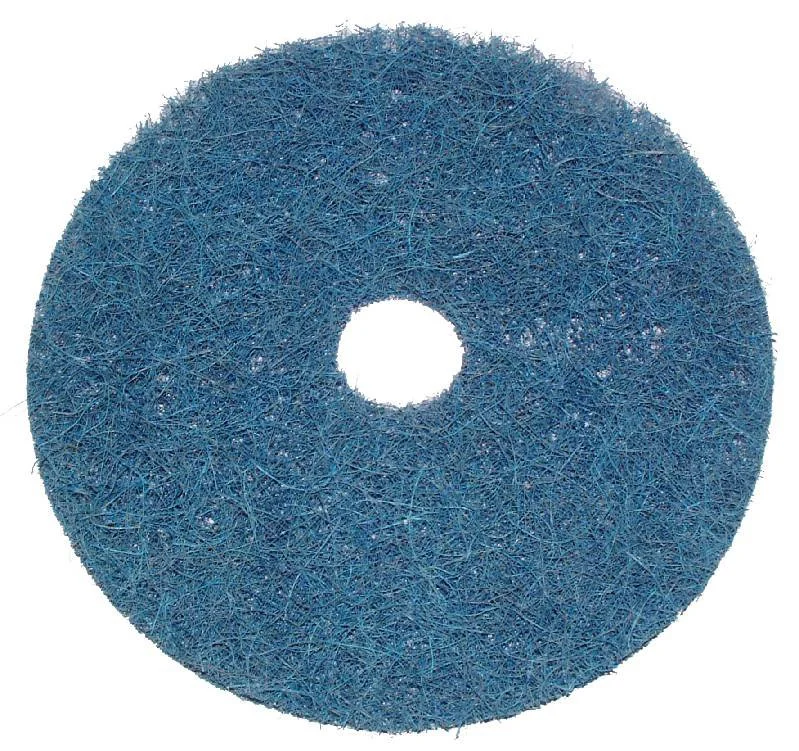 Image 2 of 3
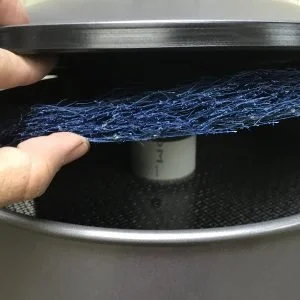 Image 3 of 3
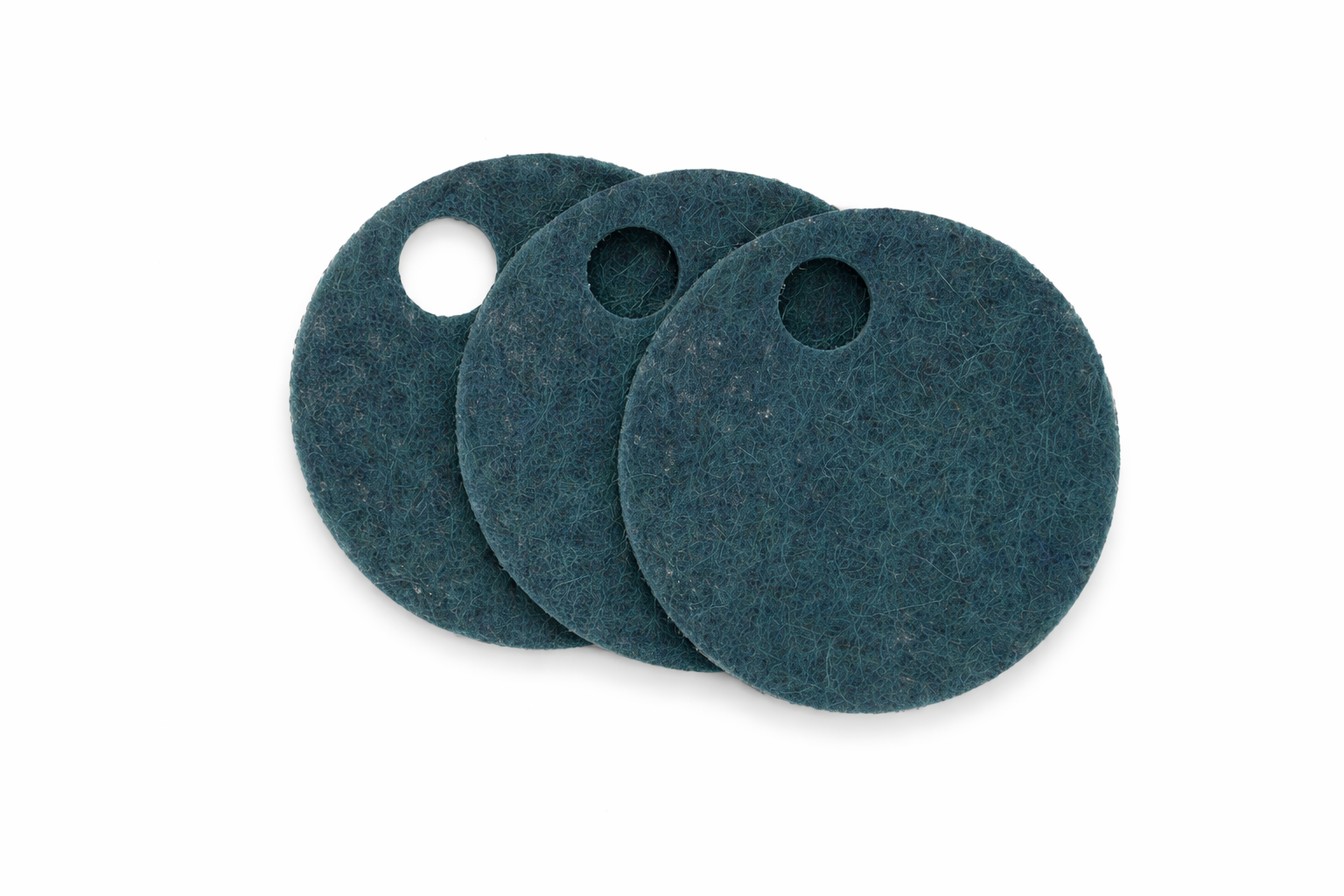
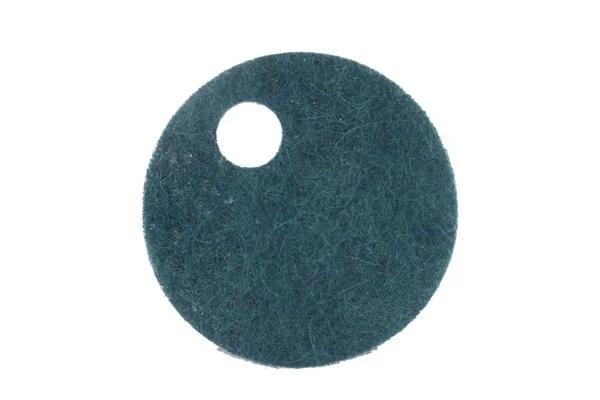
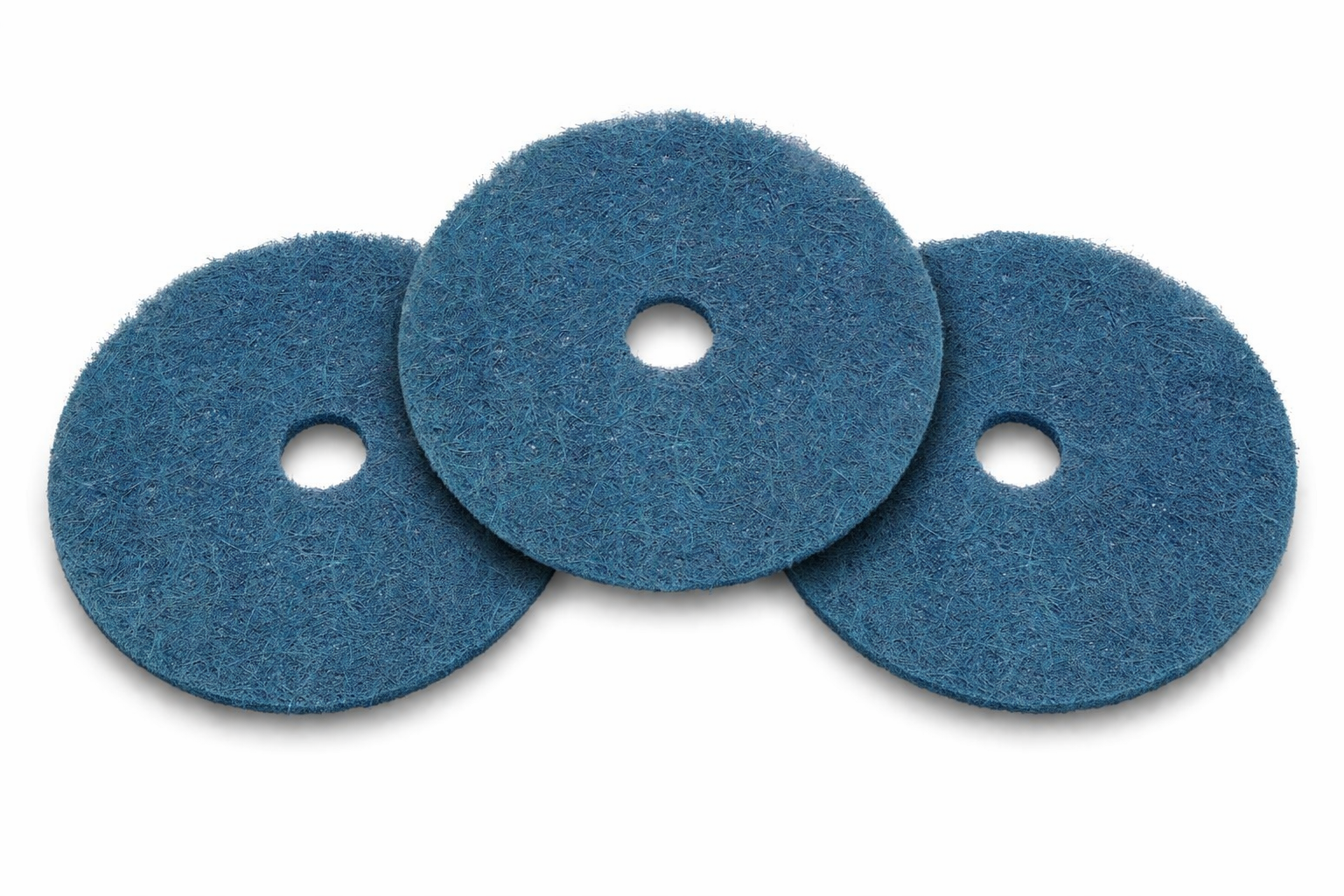
Ideal for Pet Owners! These electrostatic screens fit on top of the permanent metal mesh screen in your VacuMaid DC1200 Dirt Canister.
Simply measure across top of dirt can for correct size filter. This filter is 12″ but fits most dirt cans included with models: P225, P325, P280, S1660, S1600, and S2600.
Lift the lid of the dirt canister to clean and replace. The electrostatic screen can easily be cleaned by vacuuming, rinsing with water, or shaking. It can be used time and time again. Never put wet filter in dirt canister.
1: To remove the ELECTRO-STATIC Screen (ES1200):
Remove the lid from the canister, then lift the screen up over the stand pipe.
2: To Clean:
The ELECTRO-STATIC Screen can best be cleaned by vacuuming or shaking it clean.
3: To replace the ELECTRO-STATIC Screen (ES1200):
Place the screen over the standpipe, square mesh facing up – push down to ensure it seats on the metal screen. Replace the lid and operate normally.
Ideal for Pet Owners! These electrostatic screens fit on top of the permanent metal mesh screen in your VacuMaid DC1200 Dirt Canister.
Simply measure across top of dirt can for correct size filter. This filter is 12″ but fits most dirt cans included with models: P225, P325, P280, S1660, S1600, and S2600.
Lift the lid of the dirt canister to clean and replace. The electrostatic screen can easily be cleaned by vacuuming, rinsing with water, or shaking. It can be used time and time again. Never put wet filter in dirt canister.
1: To remove the ELECTRO-STATIC Screen (ES1200):
Remove the lid from the canister, then lift the screen up over the stand pipe.
2: To Clean:
The ELECTRO-STATIC Screen can best be cleaned by vacuuming or shaking it clean.
3: To replace the ELECTRO-STATIC Screen (ES1200):
Place the screen over the standpipe, square mesh facing up – push down to ensure it seats on the metal screen. Replace the lid and operate normally.